Notes that know the mail they are about.
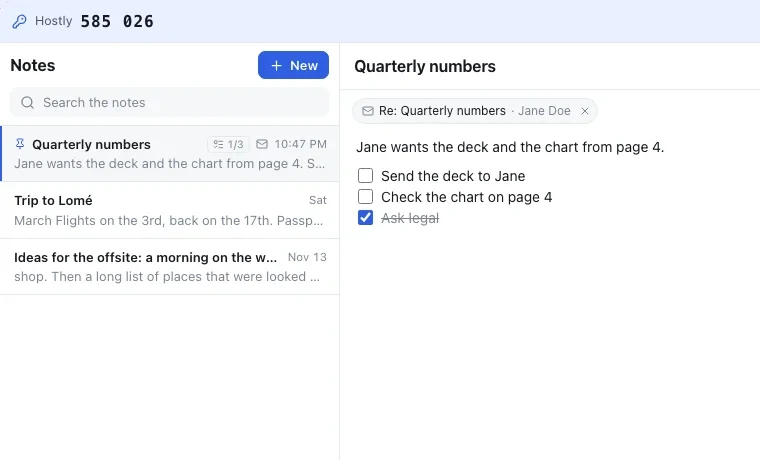
Most mail ends in something to remember or to do. In Sideora you write it beside the conversation, and the note keeps a link back to the mail.
On any mail or thread
Start a note from the conversation you are reading. It opens beside the mail and leads back to it in one click.
To-dos and diagrams
Tick boxes for what is left to do, and draw a diagram when words are not enough.
Made for you, if you like
The assistant can turn a thread's asks into a to-do note in one tap, with your own AI key. Optional.
Yours, on your computer
Notes are kept by Sideora on your machine, never on your mail provider's servers or ours, and searchable in Notes.
How it works
Three steps.
Open a conversation
In the app, the side panel or on your phone.
Add a note
Write, tick, draw. It is saved as you go.
Find it again
From the mail, from Notes, or by searching.
Questions
Good to know.
Does the note go to the sender?
No. A note is yours alone: it never goes into the mail, nor to your mail provider.
Can I write notes not tied to a mail?
Yes. A note can stand on its own, and be linked to a mail later.
Try Sideora early.
Free during early access. One mail when it is your turn, and nothing else.