Your mail on your phone, still at home.
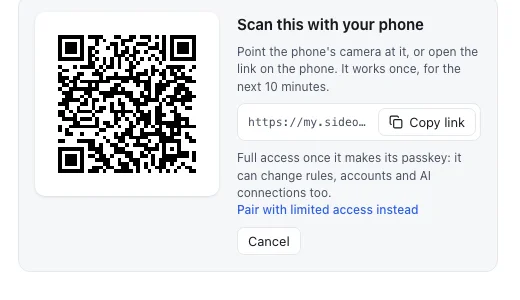
Sideora runs on your computer; your phone opens it from anywhere, through a relay that only carries what is sealed between the two. Pair once with a code to scan.
Pair with a code
On the computer, Settings, Other devices, Pair a phone: scan the code, and the phone is in.
Sealed end to end
The relay sees which device talks and how much, never what. Your computer decides what each device may do.
Locked with your passkey
Face ID or Touch ID opens it, and is asked again before a mail is sent or a setting changes.
How it works
Three steps.
Join a relay
Ask to join ours from Settings, with your name and email, or run your own.
Pair your phone
Scan the code; it works once, for ten minutes.
Add it to the home screen
Sideora opens like an app, and locks when left unused.
Questions
Good to know.
What if my computer is off?
Your phone shows what it kept, encrypted, and comes back as soon as the computer does.
Can I remove a phone?
Yes: forget it from Settings on the computer, and it is refused at once.
Try Sideora early.
Free during early access. One mail when it is your turn, and nothing else.