A private email app that keeps your mail at home.
Most email apps pass your mail through their servers to sort it, search it or summarise it. Sideora runs on your computer and reads it there, and nowhere else.
No cloud copy
Sideora connects to your mail provider straight from your Mac or Linux machine. We never receive your mail, your contacts or your calendar.
Passwords in your keychain
Account passwords and AI keys are kept by your system's keychain (or a protected file on Linux), on your computer.
Sealed when you are away
Reach it from your phone through a relay that carries what is sealed between your devices. It cannot read it.
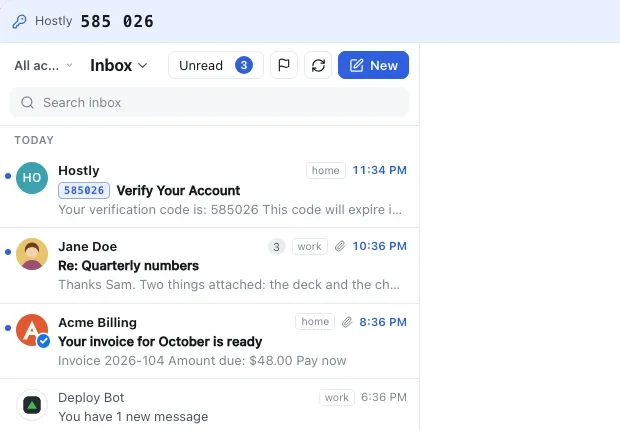
How it works
Three steps.
Install it
One command on your computer: Sideora sets up its background service and opens your browser.
Add your accounts
Gmail, Outlook.com and Microsoft 365, iCloud, Fastmail, an Exchange server, any IMAP or JMAP account. Their passwords and sign-ins stay on your machine.
Read in your browser
The app is a page served by your own computer, on your own computer.
Questions
Good to know.
What leaves my computer?
Its connections to your mail and calendar providers, as any mail app makes; questions to the AI provider you chose, only when you ask the assistant; and, if you use the relay, data sealed between your devices.
Is there tracking or analytics?
No. Sideora has no telemetry, and this site sets no cookies.
Try Sideora early.
Free during early access. One mail when it is your turn, and nothing else.