Your work's Exchange, without Outlook.
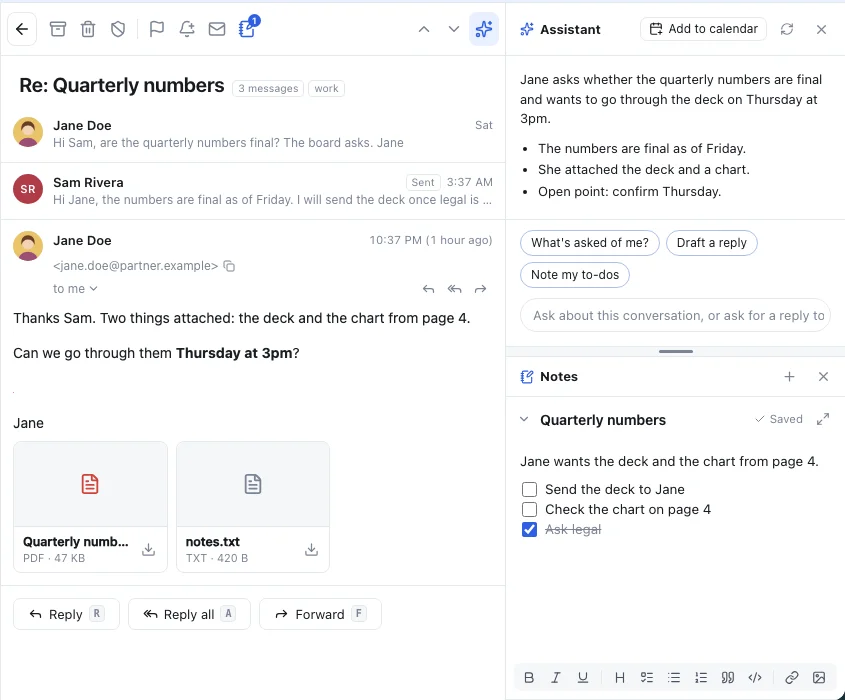
If your company runs its own Exchange server, Sideora brings its mail and calendar to your Mac or Linux machine, in a clean app in your browser, beside your other accounts.
Mail and calendar
Read, search, file and reply; your calendar with meetings, invitations to accept or decline, and new events.
Colleagues' time
See when people in your organisation are free, and open a calendar they share with you.
Beside your own accounts
Work and personal mail in one list, or one at a time, each with its signature.
How it works
Three steps.
Add your Exchange account
Its server address, your user name and password. The password stays in your keychain.
Mail and calendar arrive
New mail comes as it lands; the calendar sits in the same app.
Answer invitations
Accept, decline or propose from the event itself.
Questions
Good to know.
Which Exchange?
Exchange servers that organisations run themselves (Exchange Web Services), for mail and calendar. Microsoft 365 mail works too, with Sign in with Microsoft; its calendar is coming.
Does it work on Linux?
Yes: Sideora runs on macOS and Linux, and opens in any modern browser.
Try Sideora early.
Free during early access. One mail when it is your turn, and nothing else.